Uploading tasks
Once you have written your task YAML, you can upload it to the Bitfount Hub using the UI. This will make it available to other users to run on their datasets.
All tasks are currently public but not discoverable by other users. This means that users cannot search for another user's tasks by name or description but can navigate to their task if they have the URL.
Uploading a task
To upload a task, you need to have a Bitfount account and be logged into either the Bitfount App or Hub.
- Navigate to the "Tasks" tab in the left sidebar.
- Click the "Upload task" button in the top right corner.
- Either paste or upload the task YAML file you want to upload along with the name, description, type and any tags you want to add.
- Click the "Upload" button.
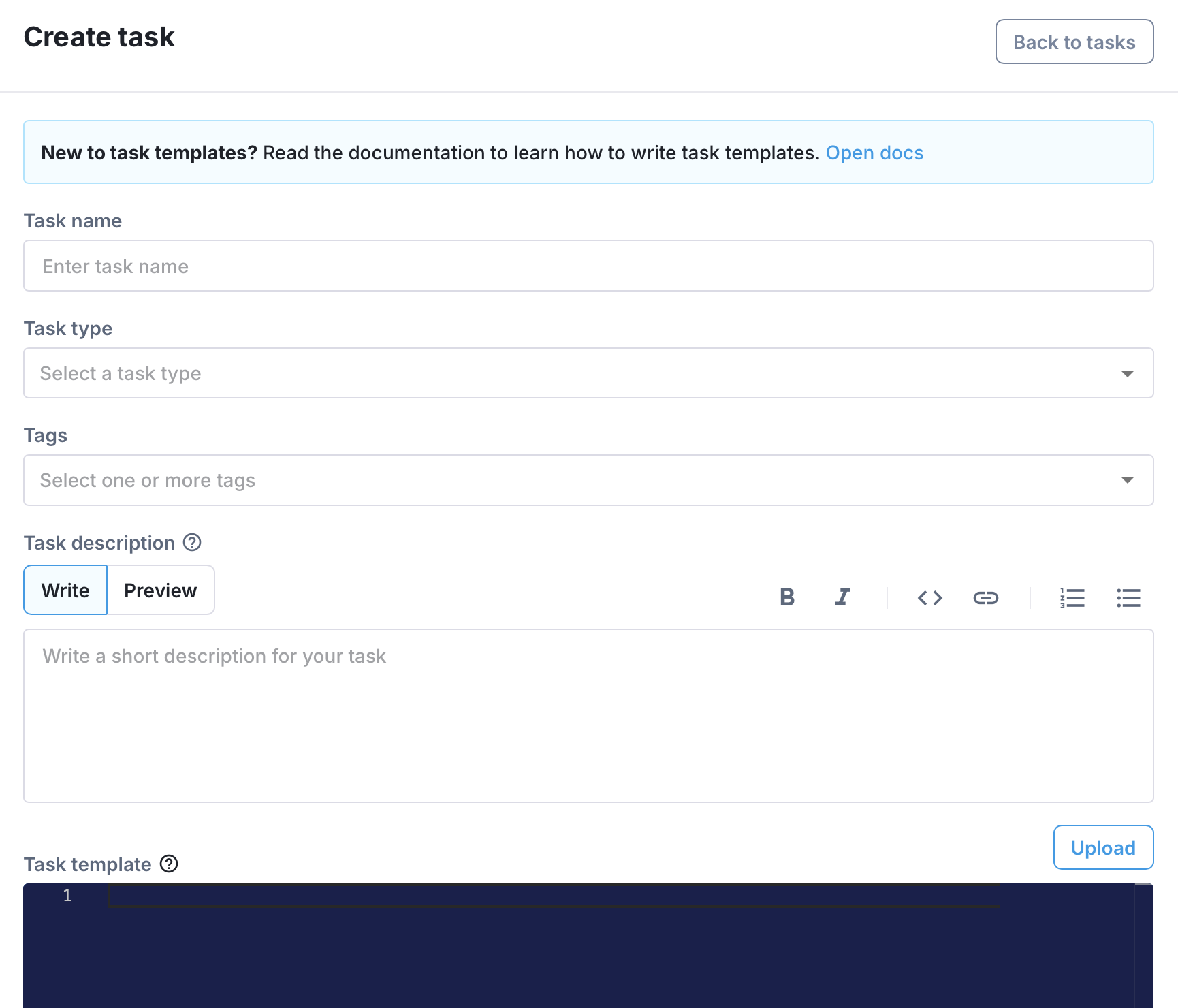
Task type
The task type is the type of task you are uploading. When creating a Project, users will be able to filter by task type to find tasks that are suitable for their project. The available task types are:
- Image Classification
- Image Segmentation
- Object Detection
- Tabular Analytics
- Tabular Classification
- Tabular Regression
- Text Classification
- Text Generation
Task tags
The task tags are a list of tags that will be displayed for any projects that use the task. These are not used for filtering and are only used for display purposes. At least one tag is required. The available task tags are:
- Prediction
- Training
- Evaluation
- Querying
- Comparison
- Ophthalmology
Validation
The task YAML will be automatically validated against the Bitfount task schema and any errors will be displayed in the UI with a red squiggly line underneath the line of code that is in error with a tooltip showing the error message.